
Apps / DocMaster
Fix the typo in the PDF. Keep the font.
DocMaster is a PDF editor for Android that changes the real text in your PDFs and keeps the original font. Fill and sign forms, open Word, Excel and PowerPoint files, and ask questions about your documents with an AI that runs on your phone.

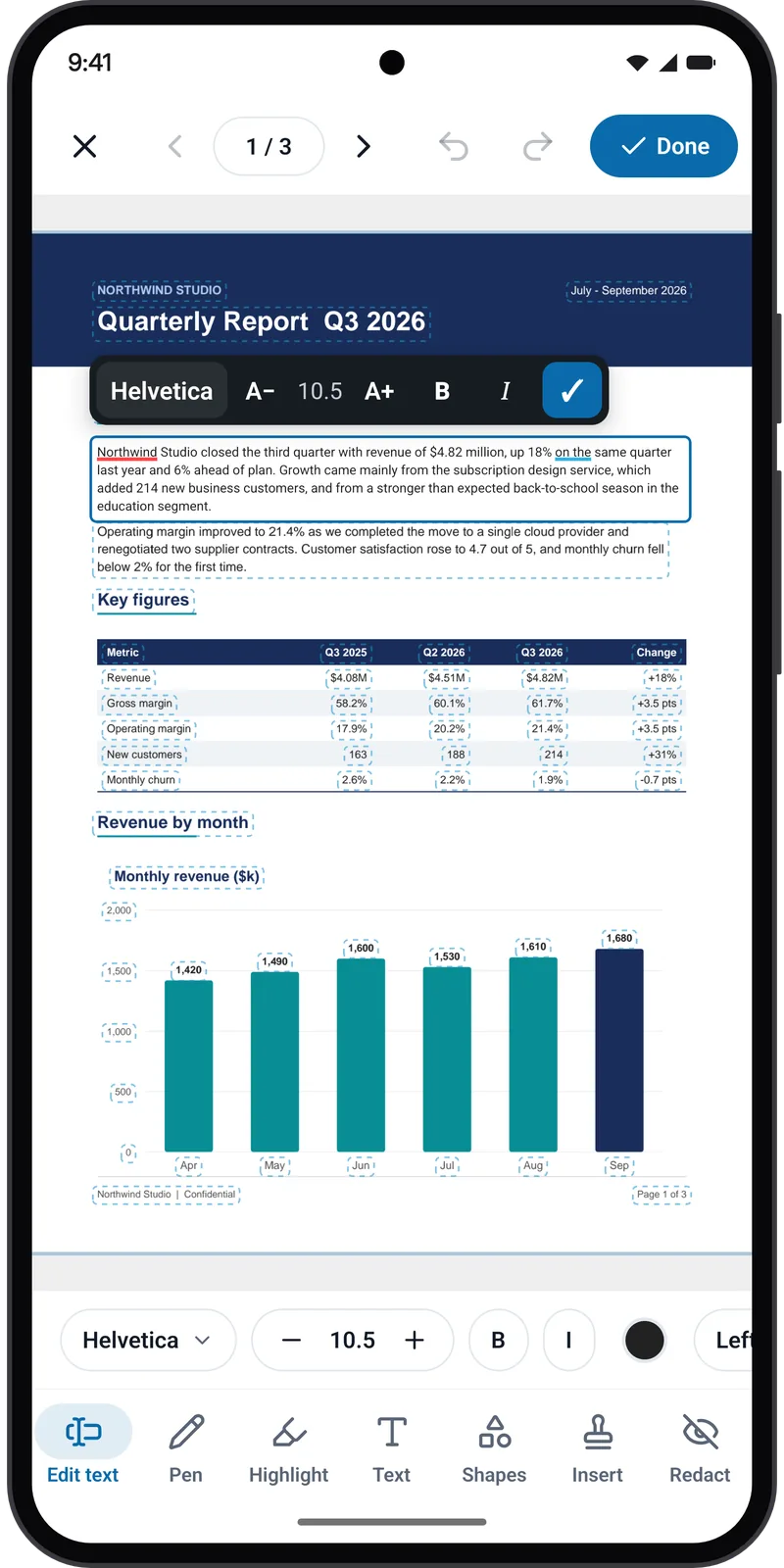
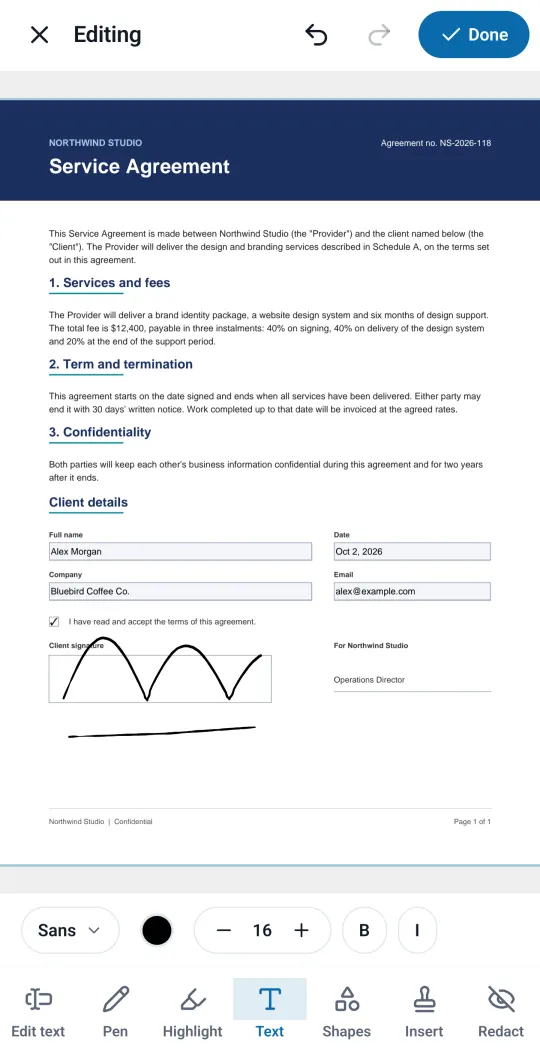
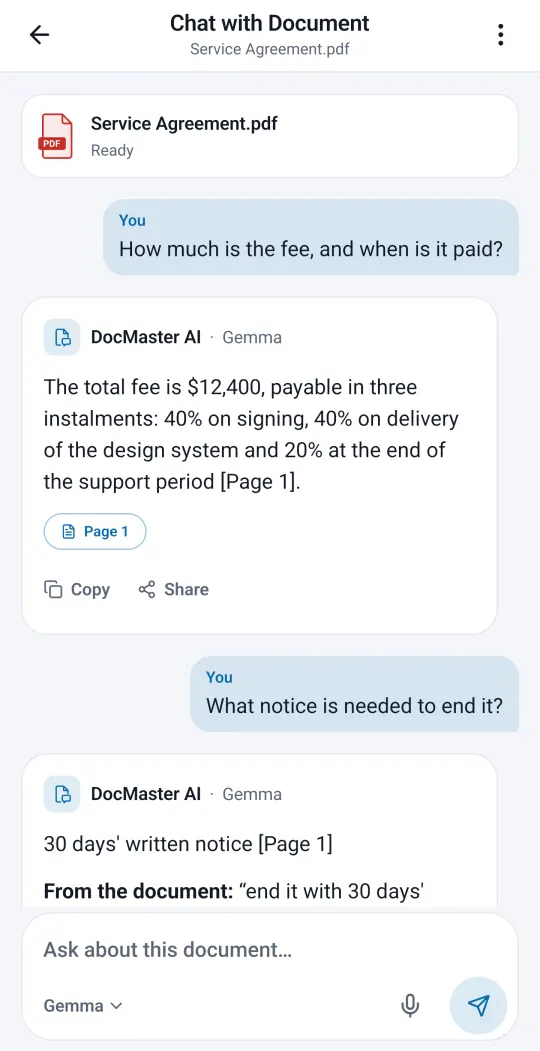
Real screens
Straight from the app.
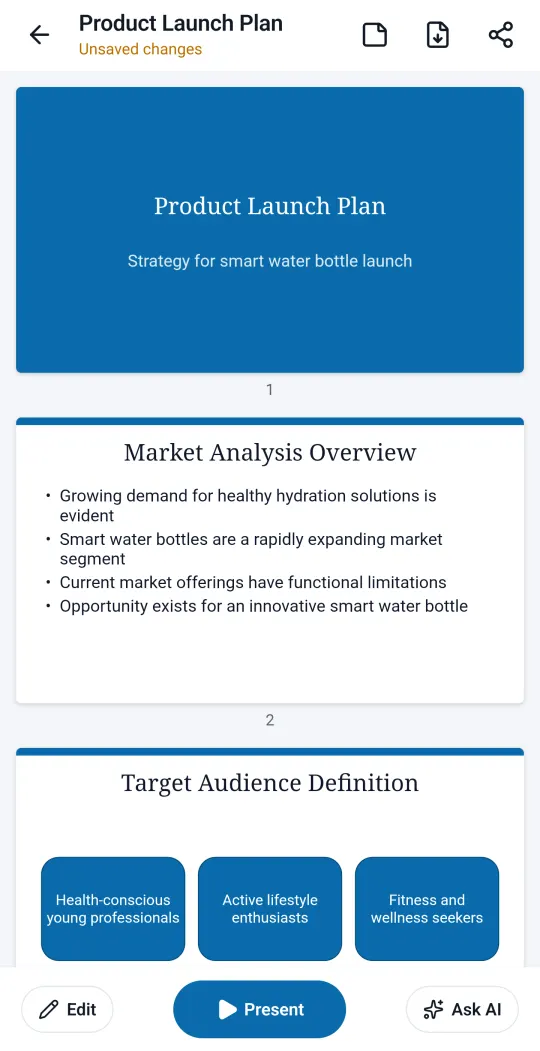
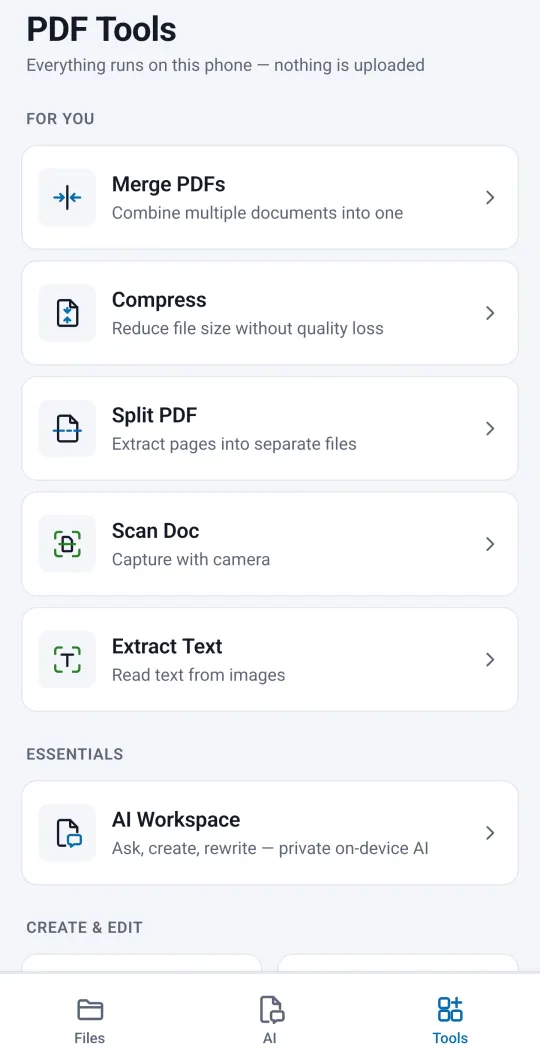
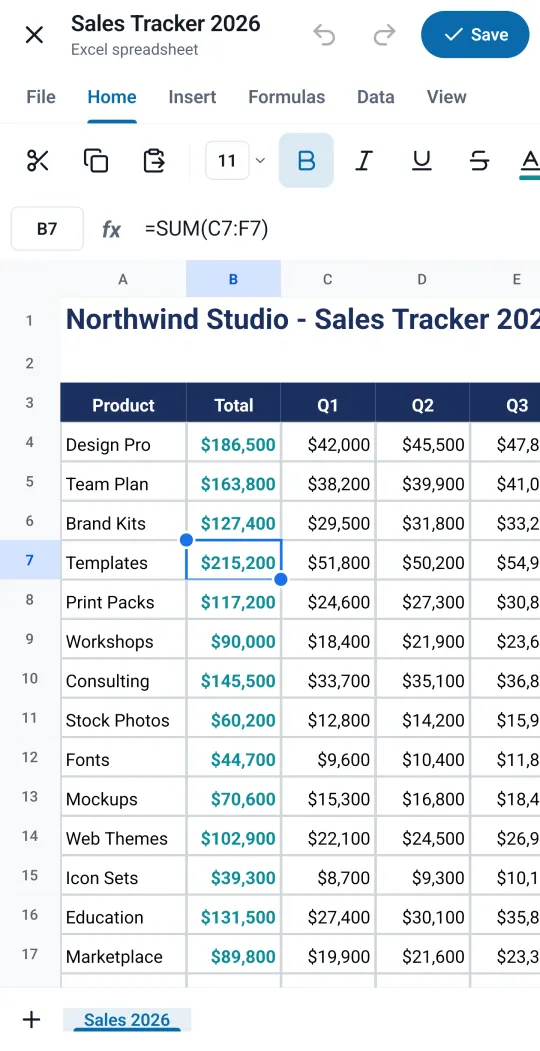
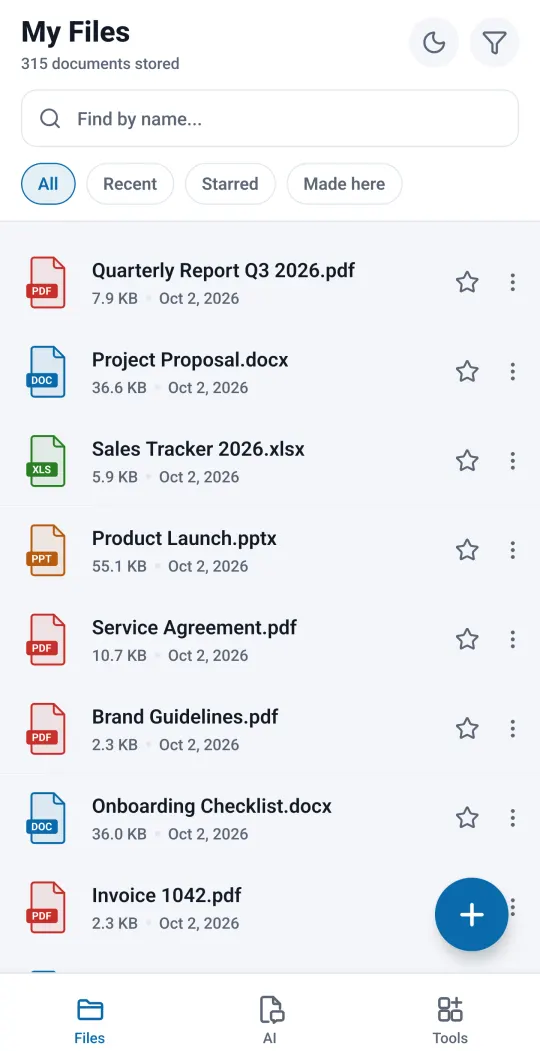
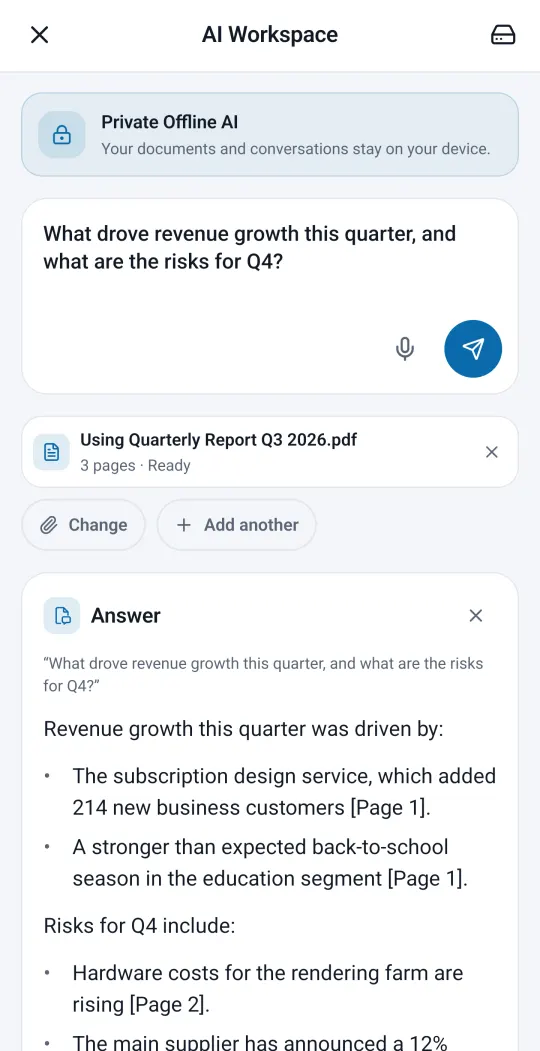
Captured from the app on a Pixel 7 Pro. The documents shown are samples.
What it does
Every tool works with the free version.
- 01
Edit the real text, keep the font
Tap a line in a PDF, retype it, and DocMaster writes it back in the original font, in the PDF itself rather than in a box on top. If the file lacks a letter you type, it uses a close match and tells you.
- 02
Fill and sign
Fill PDF forms (text fields, check boxes, choices and signature fields), draw your signature once and place it on any page, and add text and dates to printed or scanned forms.
- 03
Chat with your documents
Ask a PDF or Word file a question and the answer shows the page it came from. Summarise, rewrite in 7 tones, translate, or make study guides and flashcards. The AI runs on your phone after a one-time download, so your documents are not uploaded.
- 04
AI presentation maker
Type a topic, edit the outline, and the slides fill in. Change any slide, save as PPTX or PDF, or present from your phone with a pen, a laser pointer and speaker notes.
- 05
PDF tools that run on your phone
Merge, split, rotate and reorder pages. Compress with three levels. Redact so the text under the black box is removed from the file, not just hidden. Lock or unlock with a password, add stamps and comments, scan paper to PDF and extract English text.
- 06
Word, Excel and PowerPoint files
Documents with headings, lists and tables; spreadsheets with formulas (75 functions, such as SUM and AVERAGE); presentations you can view, edit and present. Templates for a résumé, cover letter, invoice and more.
Ads and payments
What’s free, what’s paid.
- Ads
- Free with ads: banners, plus some full-screen ads.
- Paying
- One optional one-time purchase, Remove Ads, turns the ads off.
- What we don’t do
- No subscription needed, no watermark, no sign-up, no trial.
Good to know
- Text editing works on PDFs with real text. A scanned page is a picture, so you add a text box there instead.
- The AI needs a one-time download of about 1.1 to 2.9 GB, depending on your phone, and a 64-bit phone. After that it works offline.
- AI can make mistakes, so check important answers.
- Text extraction from scans (OCR) reads English.
- Android only for now.
Privacy and support
What leaves your phone, and what doesn’t.
Editing, signing, the PDF tools and the AI work on your phone, and DocMaster does not upload your files. The app shows ads and sends crash reports and usage statistics; the privacy policy explains exactly what is sent.
Support: labsinnocraft@gmail.com